Best Variable Font: A Complete Guide for Newbie Designers
If you're new to design, you've probably noticed something confusing when browsing fonts: some cost money, some are free, and some seem to do things regular fonts can't. That last group? They're called variable fonts, and they're changing how designers work with type.
This guide walks you through what variable fonts actually are, why they matter, and which ones worth your attention. By the end, you'll know how to pick the right variable font for your projects without the guesswork.
What Exactly Is a Variable Font?
Traditional font files work like vending machines—you pick one option, get exactly that. Want bold? That's a separate file. Need condensed? Another file. Each width, weight, and style lives in its own container.
Variable fonts flip this entirely. A single file contains infinite variations within a defined range. Want something slightly bolder than regular but not quite bold? With variable fonts, you can dial in exactly the weight you need—400, 425, 450, whatever works. No more settling for "close enough."
Here's why this matters practically: you get file savings, design flexibility, and smoother performance on the web. One variable font file might replace what previously required five, ten, or even twenty separate files.
The technology behind this has been around since 2016, but adoption has accelerated dramatically. Major type foundries and free font repositories now offer variable versions of their most popular fonts.
Why Newbie Designers Should Care About Variable Fonts
You might be thinking: "I'm just starting out. Why does this matter to me?"
Three reasons, and they're practical:
First, file efficiency. As a newbie, you're probably working on websites or digital projects. Variable fonts load faster because you're serving one file instead of many. That matters for both user experience and SEO.
Second, design flexibility. You'll make better design decisions when you can fine-tune typography instead of forcing your design into predetermined style buckets. Need a heading that's slightly bolder than normal but not a headline? Variable fonts make that easy.
Third, future-proofing. The industry is moving toward variable fonts. Learning them now means you're building skills that stay relevant.
Best Variable Fonts for Newbie Designers
Here's the practical part—what should you actually use? These variable fonts cover different needs, and all of them are free or have free versions.
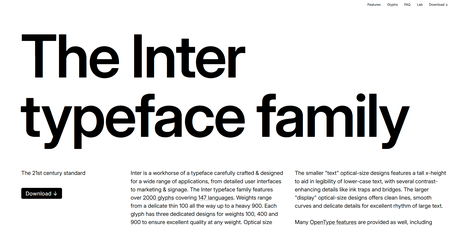
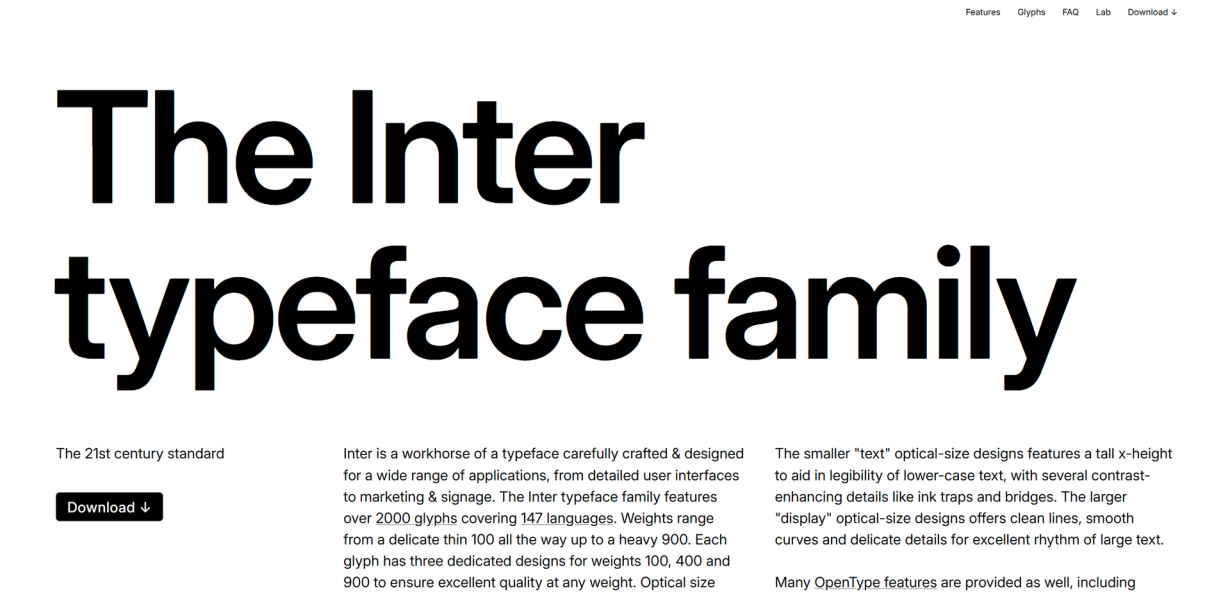
Inter: The Everyday Workhorse
Inter has become something of a default choice for modern interface design, and for good reason. It's clean, readable, and incredibly versatile.
The variable version lets you adjust weight from thin (100) to extra black (900), giving you complete control over hierarchy without switching fonts. The optical sizing feature also lets you control how the font renders at different sizes—small text gets slightly adjusted spacing for better readability.
Best for: Web interfaces, dashboards, apps, clean editorial layouts
Why it works for newbies: Inter is forgiving. It looks good at almost any size, and its neutrality means you can pair it with more expressive fonts later without clashing.
Roboto Flex: Endless Customization
Google's Roboto Flex takes variable fonts to an extreme. Beyond weight and width, you can adjust:
- Optical size
- Letter spacing
- X-height
- Contrast
- Slant
That's a lot of control. It essentially lets you create your own version of Roboto optimized for your specific design.
Best for: Experimental typography, display text, projects needing precise typographic control
Why it works for newbies: The defaults are solid, but you have room to grow into the more advanced controls as your skills develop.
DM Sans: Friendly and Approachable
DM Sans has a geometric quality that feels modern without being cold. It works particularly well for projects targeting younger audiences or tech-forward brands.
The variable version offers weight and width adjustments, plus optional stylistic alternates. It's versatile enough for both body text and headlines.
Best for: Startups, mobile apps, creative agencies, lifestyle brands
Why it works for newbies: DM Sans is hard to mess up. It looks professional almost regardless of how you use it.
Playfair Display: Elegant Display Typography
If you need something with more personality, Playfair Display is a transitional serif that adds sophistication to any project. It's been around for years, but the variable version gives you weight control that wasn't available before.
Best for: Fashion blogs, luxury brands, editorial layouts, wedding invitations
Why it works for newbies: It adds instant polish. A headline in Playfair Display makes a project look more established than it might actually be.
Libre Baskerville: Classic Readability
Sometimes you need a traditional serif for long-form reading. Libre Baskerville provides that classic book-typography feel with the benefits of variable technology.
Best for: Blog posts, articles, e-books, academic content
Why it works for newbies: It teaches you about typography hierarchies. You'll see how a well-designed serif creates natural reading rhythm.
Space Grotesk: Bold and Modern
Space Grotesk brings the sans-serif aesthetic into territory that feels contemporary and slightly unconventional. It's not for every project, but when it works, it really works.
Best for: Tech brands, creative portfolios, bold marketing materials
Why it works for newbies: It helps you understand how typography creates mood. Using a distinctive font like this teaches you to think about voice in design.
How to Actually Use Variable Fonts
Knowing about these fonts is one thing. Using them effectively is another. Here's the practical side:
In CSS
Most modern browsers support variable fonts natively. Using them in CSS is straightforward:
@font-face {
  font-family: 'Inter';
  src: url('Inter.woff2') format('woff2-variations');
  font-weight: 100 900;
}
h1 {
  font-family: 'Inter', sans-serif;
  font-variation-settings: 'wght' 700;
}
p {
  font-family: 'Inter', sans-serif;
  font-variation-settings: 'wght' 400;
}
The font-variation-settings property gives you direct control, but CSS also supports more readable properties like font-weight, font-stretch, and font-style.
In Design Tools
Figma supports variable fonts natively. Select your text layer, then adjust the weight slider—you'll see all available weights, not just the standard ones.
In Adobe apps, variable font controls typically appear in the Character panel. The exact location varies by app, but look for the "Variable" or "Axes" section.
Performance Considerations
Variable fonts are generally more performant than multiple static fonts, but there are a few things to keep in mind:
- Not all browsers support them (though support is now very high—over 95% globally)
- Fallback fonts matter for older browsers
- You still need to subset fonts for languages you don't use
Common Mistakes Newbies Make
Let's talk about what to avoid:
Overusing weight variation. Having ten different weights doesn't mean you should use all of them. Stick to a clear hierarchy—two or three weights maximum for most projects.
Ignoring optical sizing. Variable fonts often include optical size axes that adjust how fonts render at different sizes. Don't skip this—it's designed to make small text more readable.
Forgetting about fallback. Always test how your design looks without variable font support. Pick a solid fallback font that matches your primary choice reasonably well.
Mixing too many fonts. Variable fonts give you flexibility, but that doesn't mean you should use three different variable fonts in one project. Stick to one or two families.
Quick Reference: When to Use What
| Project Type | Recommended Font | Why |
|---|---|---|
| Web app/dashboard | Inter | Clean, readable, professional |
| Blog/editorial | Libre Baskerville + Inter | Classic pairing |
| Tech startup | Space Grotesk or DM Sans | Modern, distinctive |
| E-commerce | Inter | Neutral, trustworthy |
| Creative portfolio | Playfair Display + DM Sans | Personality + versatility |
Moving Forward
Start with Inter for most projects. It's the most forgiving variable font and teaches you the fundamentals without getting in your way. As you become more comfortable, experiment with the others.
The best designers aren't the ones who know every font—they're the ones who understand how typography serves the work. Variable fonts are just a tool that makes that easier.
Pick one, start designing, and learn by doing.